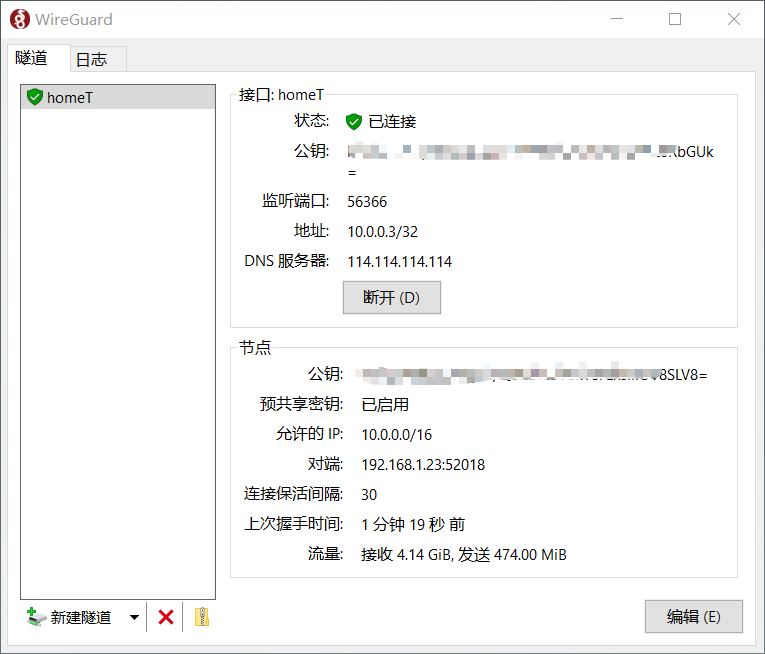
不过,有时候我们会在特定的机器下安装wireguard后,并不想被随意的更改(不被容易发现),就需要让wireguard以windows服务的形式去运行。
基本步骤就是:
正常安装wireguard windows版本,然后不要打开Wireguard UI。我们用命令行形式去安装通道服务。不过你得提前准备好配置文件,复制到磁盘上某个位置。安装Tunnel Service服务命令如下:
wireguard /installtunnelservice C:\path\to\some\myconfname.conf卸载服务如下:
wireguard /uninstalltunnelservice myconfname正常情况,执行上面安装服务语句下来,通道就已经生成。会在网络连接界面上生成通道。系统服务上也会生成对应的服务,随系统自动启动。在后台自动运行。
]]>