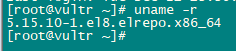
1.Docker无法启动问题
docker logs -f 6b56126963dc21cdc515d6c758f1d949c55f203d36542b27e360ddbc556ae80a
2022-06-15T05:34:33.902Z Server Listening on http://0.0.0.0:51821
2022-06-15T05:34:33.903Z WireGuard Loading configuration...
2022-06-15T05:34:33.905Z WireGuard Configuration loaded.
2022-06-15T05:34:33.905Z WireGuard Config saving...
2022-06-15T05:34:33.906Z WireGuard Config saved.
$ wg-quick down wg0
$ wg-quick up wg0
Error: Command failed: wg-quick up wg0
[#] ip link add wg0 type wireguard
[#] wg setconf wg0 /dev/fd/63
[#] ip -4 address add 10.8.0.1/24 dev wg0
[#] ip link set mtu 1420 up dev wg0
[#] iptables -t nat -A POSTROUTING -s 192.0.2.0/24 -o eth0 -j MASQUERADE; iptables -A INPUT -p udp -m udp --dport 51820 -j ACCEPT; iptables -A FORWARD -i wg0 -j ACCEPT; iptables -A FORWARD -o wg0 -j ACCEPT;
modprobe: can't change directory to '/lib/modules': No such file or directory
modprobe: can't change directory to '/lib/modules': No such file or directory
iptables v1.8.3 (legacy): can't initialize iptables table `nat': Table does not exist (do you need to insmod?)
Perhaps iptables or your kernel needs to be upgraded.
[#] ip link delete dev wg0

    at ChildProcess.exithandler (child_process.js:383:12)
    at ChildProcess.emit (events.js:400:28)
    at maybeClose (internal/child_process.js:1058:16)
    at Process.ChildProcess._handle.onexit (internal/child_process.js:293:5) {
  killed: false,
  code: 3,
  signal: null,
  cmd: 'wg-quick up wg0'
}
解决方案
modprobe ip_tables && modprobe iptable-nat2.Upgrade Linux Kernel of CentOS 8
dnf -y update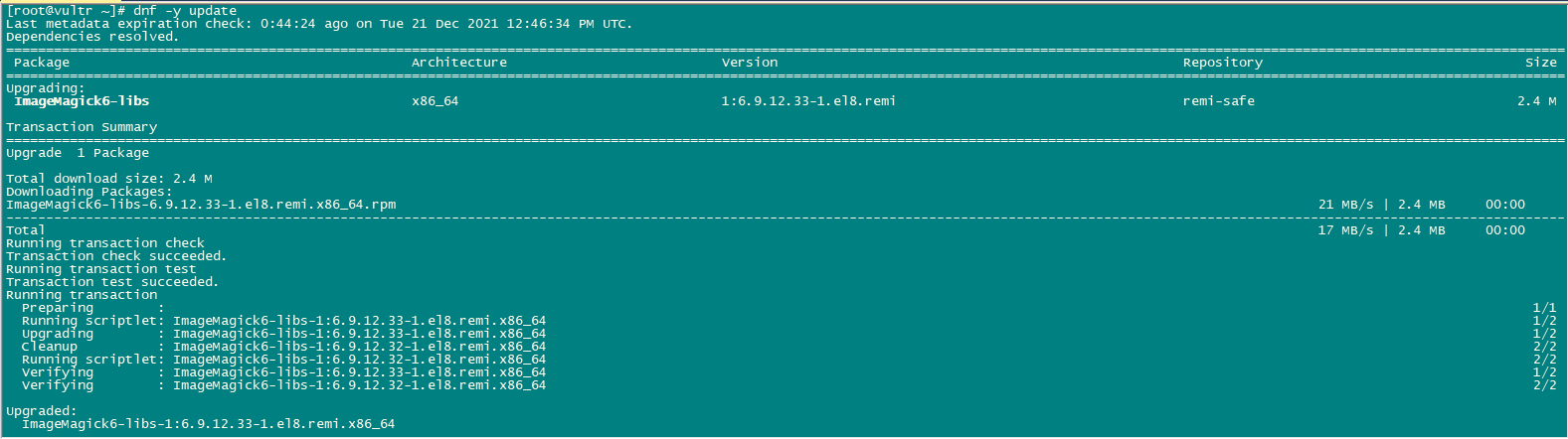
uname -r
dnf install -y https://www.elrepo.org/elrepo-release-8.el8.elrepo.noarch.rpm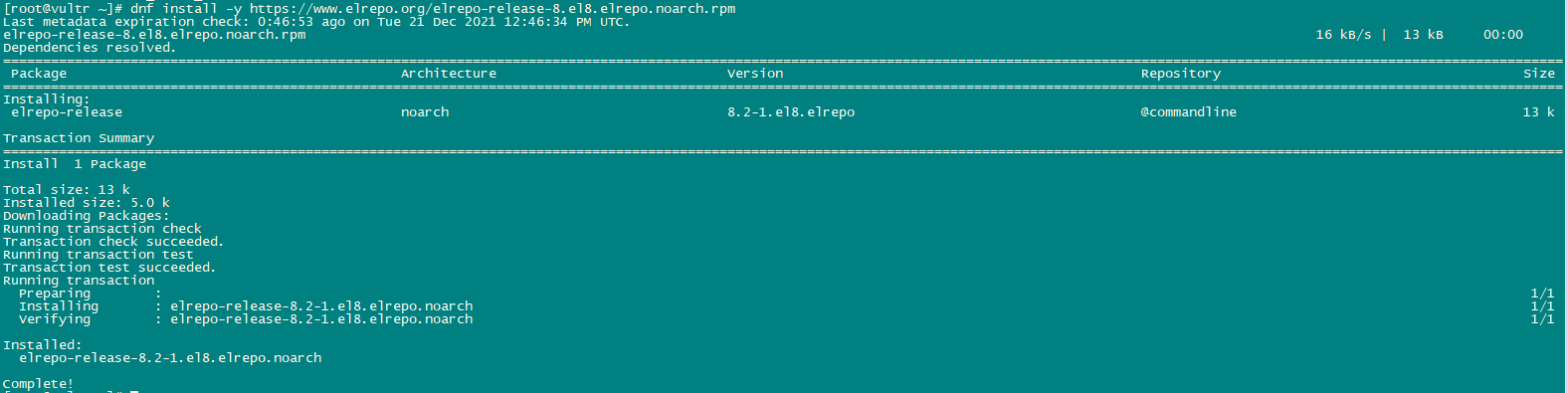
rpm --import https://www.elrepo.org/RPM-GPG-KEY-elrepo.org

dnf makecache
dnf --disablerepo="*" --enablerepo="elrepo-kernel" list available | grep kernel-ml
dnf --enablerepo="elrepo-kernel" install -y kernel-ml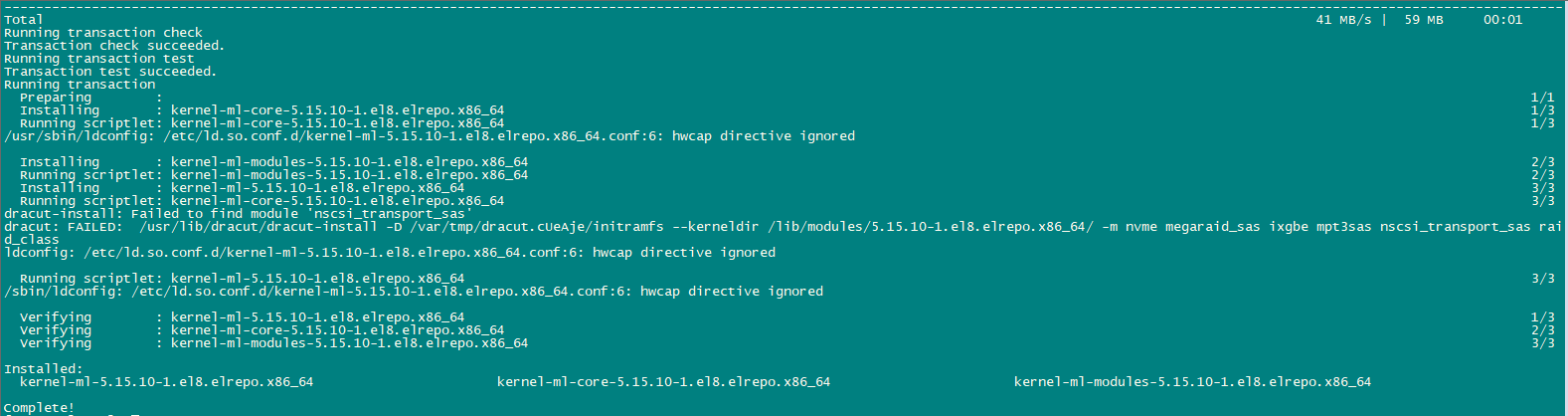
reboot

uname -r